The Dictionary module answers the question where is my data stored? It gives you a shared view of your data sources, structured or not, in an ergonomic, simple and collaborative environment.
The module is created automatically as soon as a Project or an Organization is created.
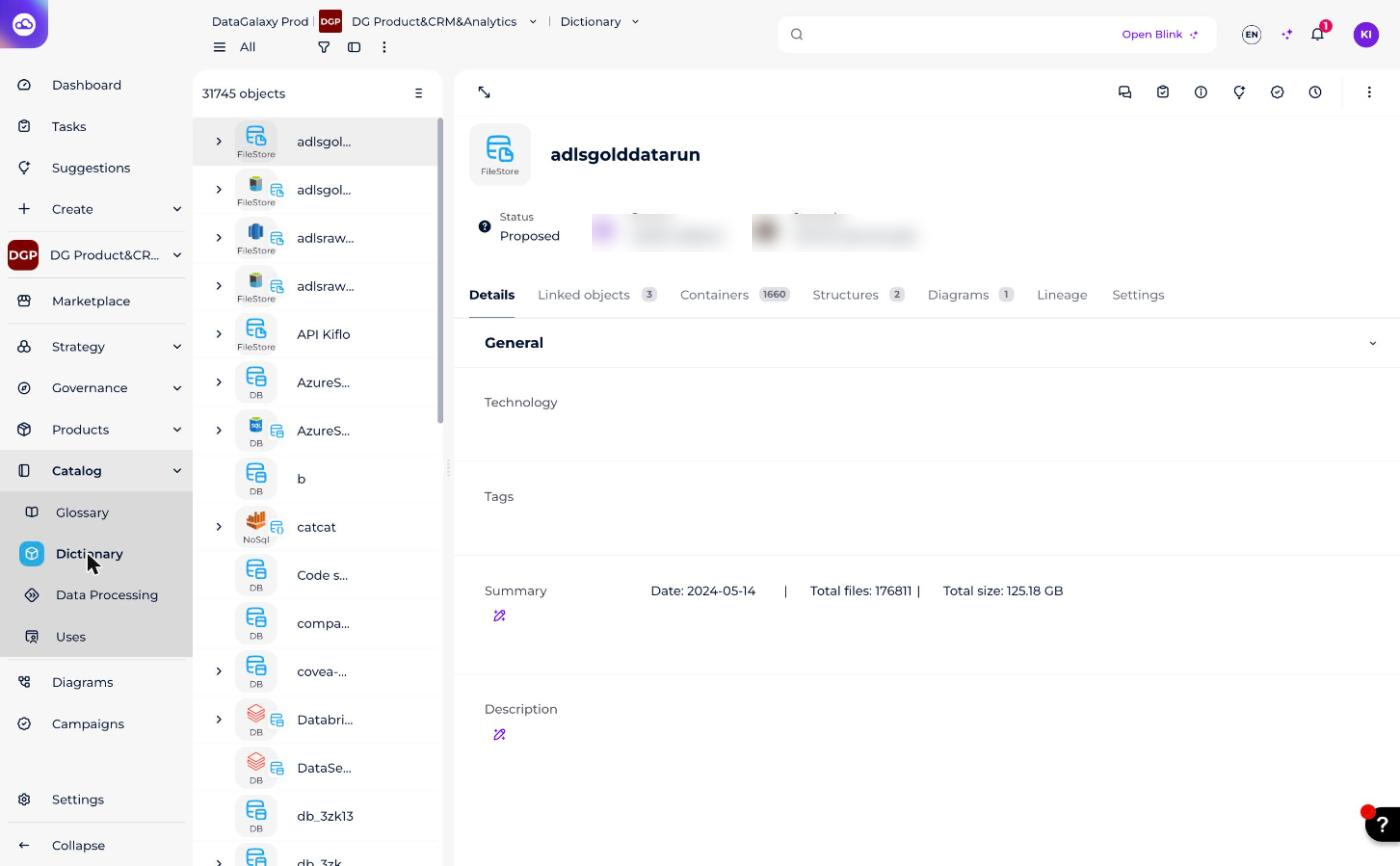
You can recognize it by this icon:

What can you model in the Dictionary?
Data source objects let you build and maintain a model of:
- Relational databases
- Non-relational databases
The platform offers two interfaces for modeling a database:
- A diagram interface (or entity-relationship)
- A spreadsheet interface (the dictionary)
Which other guides cover the module?
These resources describe how to use the module. They are not yet migrated to this Notion knowledge base:
- Import data sources in DataGalaxy
- Create a column from a table
- Create an object in the dictionary
- Use the diagram
- Delete elements from the dictionary
- Functional / Technical view type