The Glossary module answers the question what is the data used? It is a definition referential that helps contextualize data: it manages properties and the relations between them, so every user — business or IT — can rely on the same knowledge base.
The module is created automatically as soon as a Project or an Organization is created.
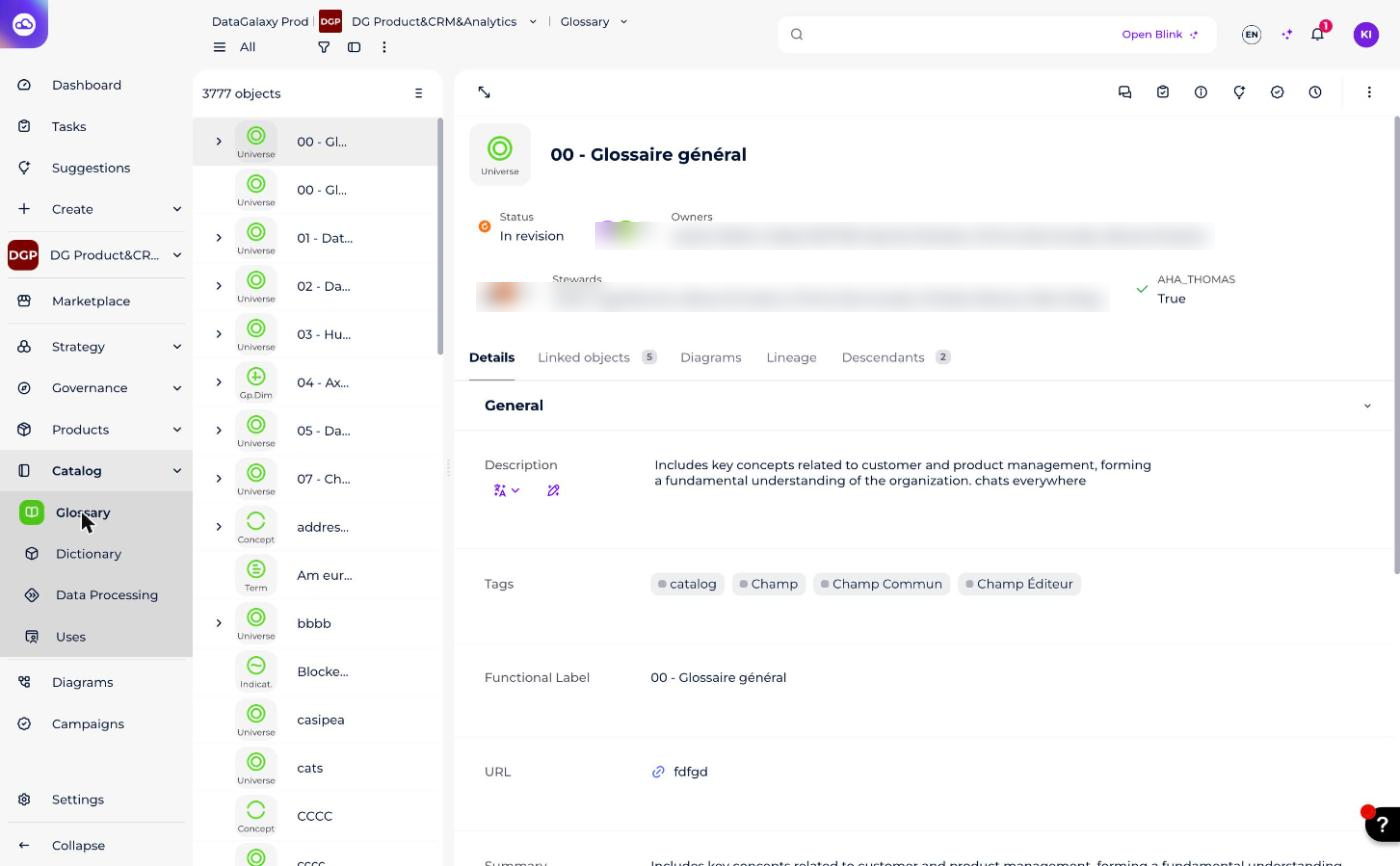
It is easily identifiable thanks to this icon:

What does the module manage?
The module manages all kinds of properties on various types of objects (business terms, indicators, concepts, dimensions, and so on).
Their definition
- Name (mandatory)
- Description
- Ownership
- Custom attributes
Their link to other objects
- The connection with objects from the Glossary (relationships between glossary properties — not yet migrated to this Notion knowledge base).
- The relationship with objects from different modules (relationships between objects — not yet migrated to this Notion knowledge base).
Where is the rest of the documentation?
The following resources describe how to use the module and are not yet migrated to this Notion knowledge base: Manage glossary objects, Manage implementation, Import glossary object from CSV file, Import properties from a source.
The Datamap article, which this Freshdesk section also links to, was intentionally excluded from this migration and is not referenced here.