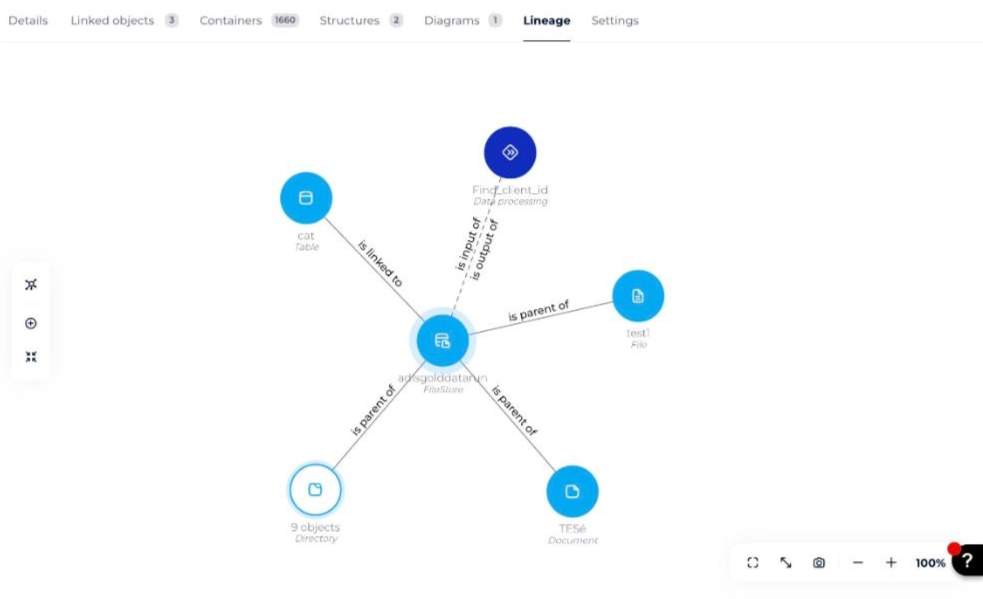
Exploratory analysis is a feature of impact analysis that covers both the semantic and the technical scope of the data. It displays an object at the center of the screen with its links to other objects, as a cluster you can expand and rearrange.
How to launch an exploratory analysis
- Open the object card of your choice and go to its Lineage tab.
- In the toolbar on the left of the graph, click the top icon to open the list of views, then select Explorer. The object is displayed in the center of the screen with its links to other objects.
The same list of views also gives access to the lineage views (Lineage, and the legacy full, downstream and upstream lineage).
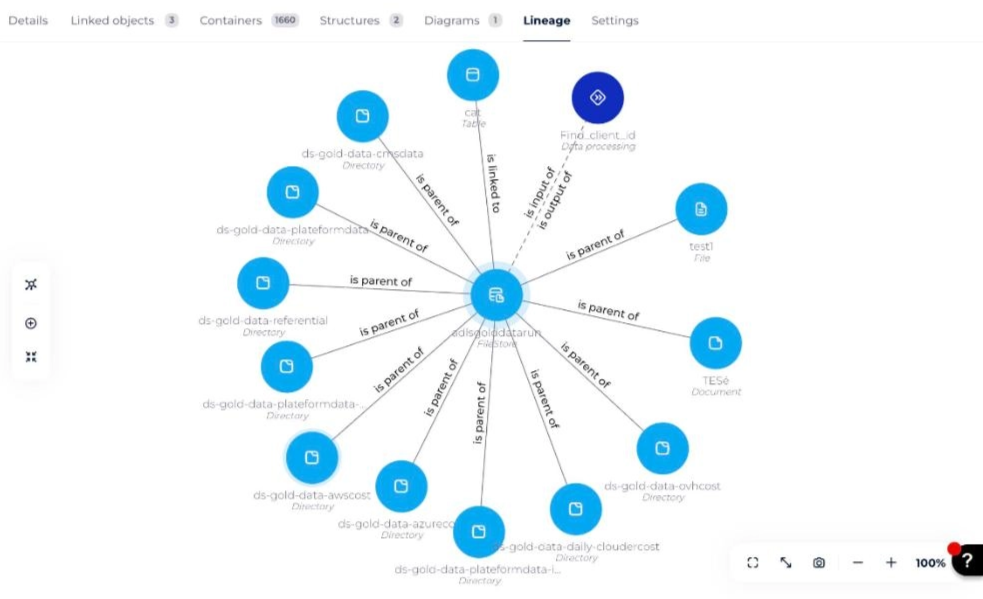
How to group or ungroup similar objects
On the cluster representing the results of an exploratory analysis, you can group or ungroup similar objects:
- Click the object of your choice while pressing the Alt key (Option on Mac). Objects of the same type are then grouped into a single bubble, or dissociated into several different bubbles.
How to load the links of an element
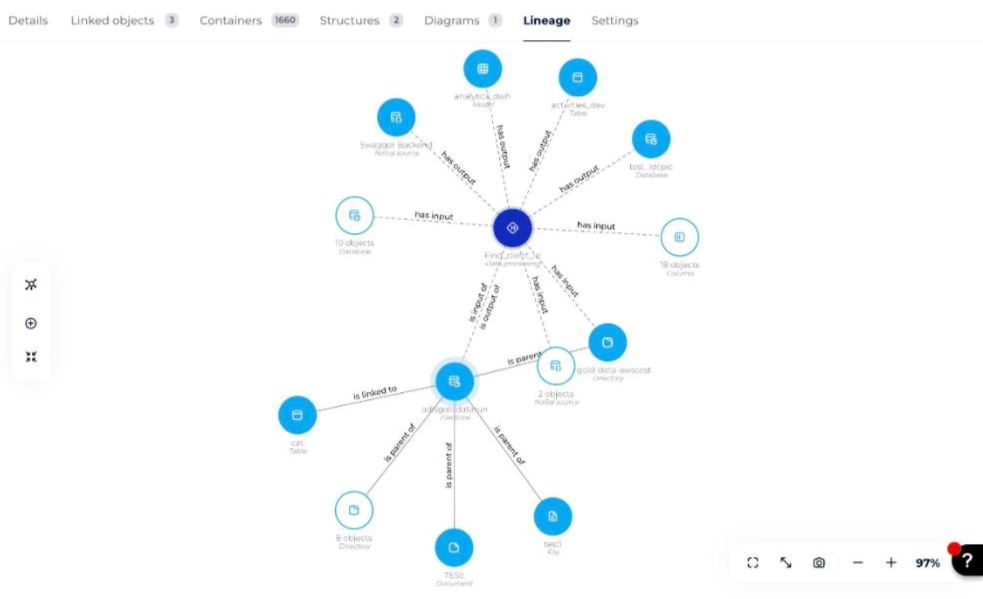
On the cluster representing the results of an exploratory analysis, you can load links to other objects:
- Click the object of your choice while pressing the Ctrl key (Cmd on Mac). The linked objects unfold.
How to adapt the display to your screen
These buttons let you optimize the display of your exploratory analysis:
- Screenshot: saves an image of your exploratory analysis at time T in
.pngformat
- Ideal zoom: resizes and centers your display to fit your screen perfectly
- Full-screen mode: displays your exploratory analysis on your entire screen for more comfort
- Zoom in
- Zoom out
The current zoom level is shown next to these buttons.