Connect Slack to DataGalaxy to receive personal DataGalaxy notifications in Slack when users mention you or tracked objects change.
Connect DataGalaxy and Slack from the administration area
A client-space administrator must connect the Slack integration before users can receive notifications.
- Open the Integration section of the administration area.
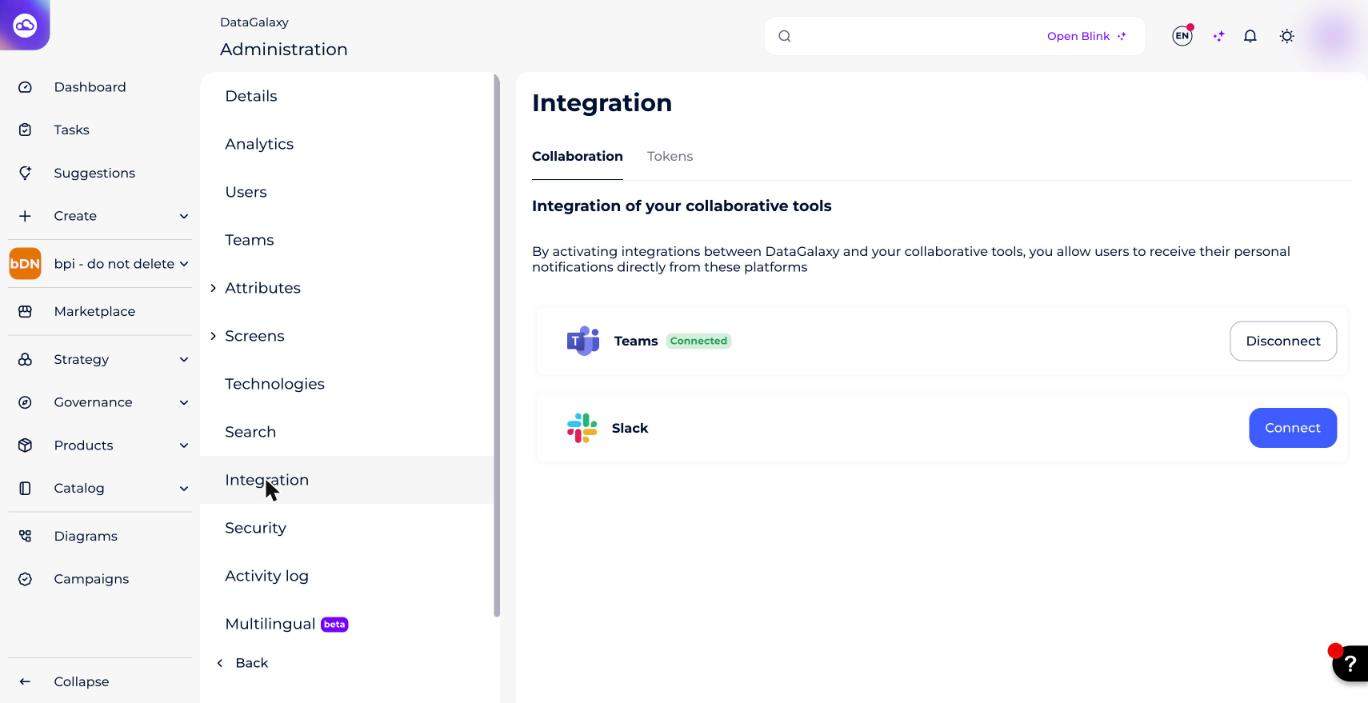
- In the Collaboration block, click Connect for Slack.
- Authorize DataGalaxy to access your Slack workspace on the web page that opens.The administrator can disable the Slack integration at any time by clicking Disable. This disables Slack notifications for every user who had already enabled the integration.
Enable personal notifications in Slack
After the administrator connects the integration, each user receives an in-app notification and can choose whether to enable personal DataGalaxy notifications in Slack.
Enable notifications from the integration notification
- Open the notifications panel.
- Find the integration-activation notification.
- Click Enable my Slack notifications.
- Authorize DataGalaxy to access your Slack workspace on the web page that opens.Screenshot: the "Enable my Slack notifications" button in the notification. (Re-add this image here — the original Freshdesk link expires after a few days.)
Enable notifications from your profile
- Click your profile icon in the top right of the screen.
- Open Profile and Settings.
- Open Preferences.
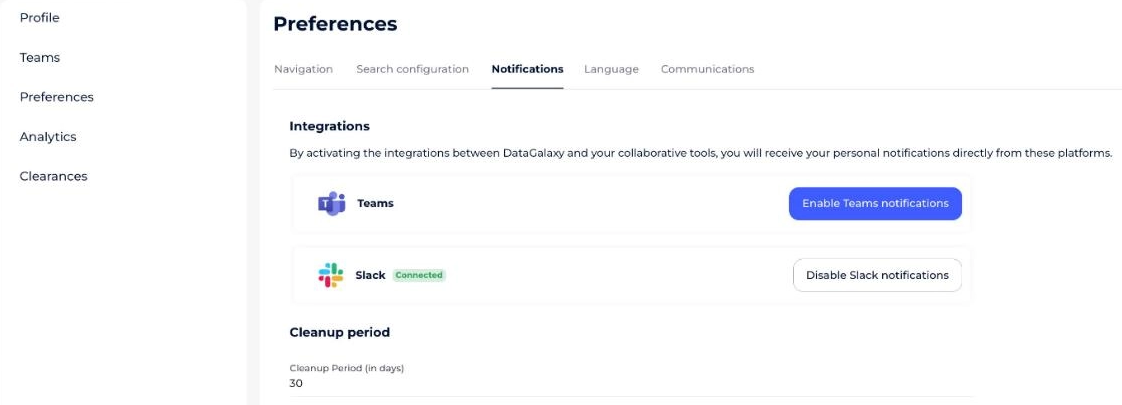
- Open the Notifications tab.
- Click Enable my Slack notifications.
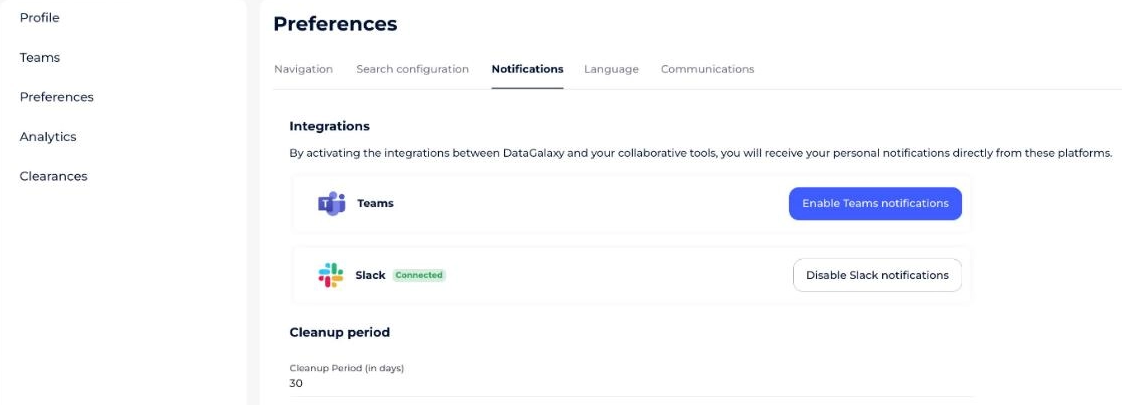
- Authorize DataGalaxy to access your Slack workspace on the web page that opens.
If the administrator has not connected the integration, send a request to the client-space administrators asking them to enable it.
Disable personal notifications in Slack
- Click your profile icon in the top right of the screen.
- Open Profile and Settings.
- Open Preferences.
- Open the Notifications tab.
- Click Disable my Slack notifications.