You manage your DataGalaxy login password yourself, from the Security section of your own profile.
How to change your password
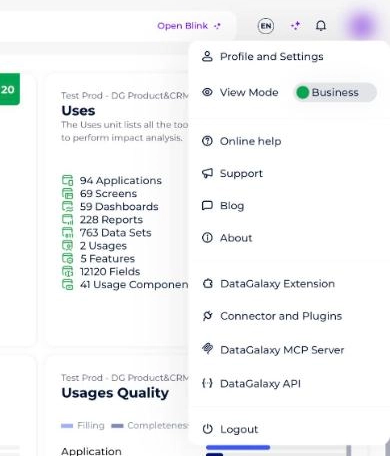
- Click your icon at the top right of the screen to open your profile menu.
- Click Profile and Settings in the drop-down menu.
- Select the Profile tab, then Security.
- Click Update your password.
If you sign in through SSO, the Security tab doesn't show Update your password (it only shows your personal access token): your password is then managed by your organization's identity provider.