You can create an object manually in the platform in three ways, each of which opens the same creation modal.
How to create an object
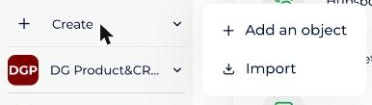
- Use the Create menu in the sidebar (Add an object), on the client space or workspace home page.
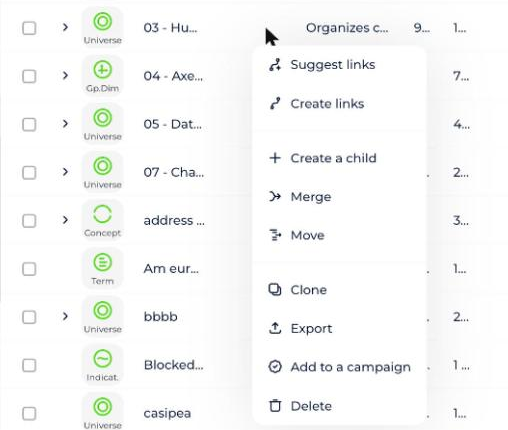
- Or use + Create child in an object's burger menu.
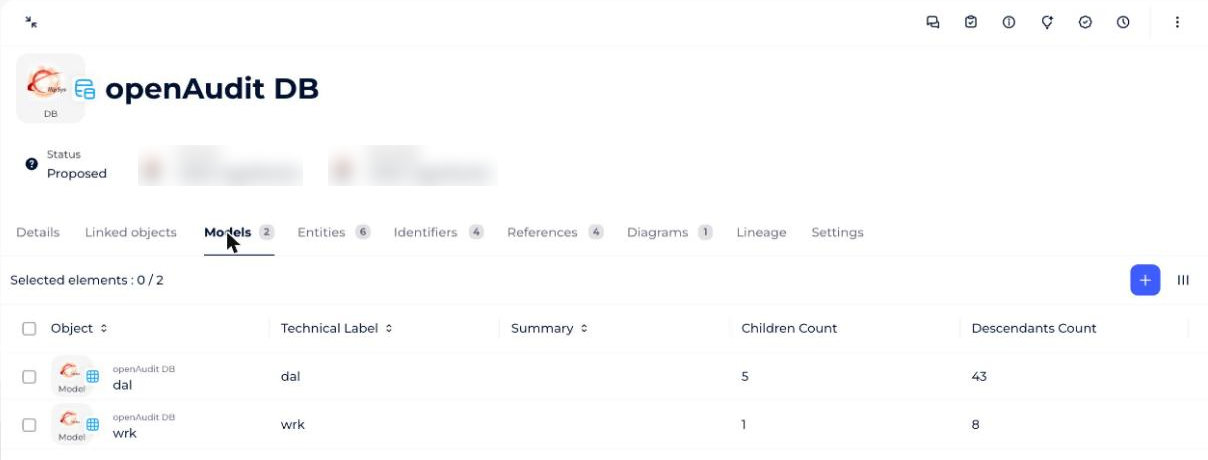
- Or use the Models or Tables tab in the Dictionary module.
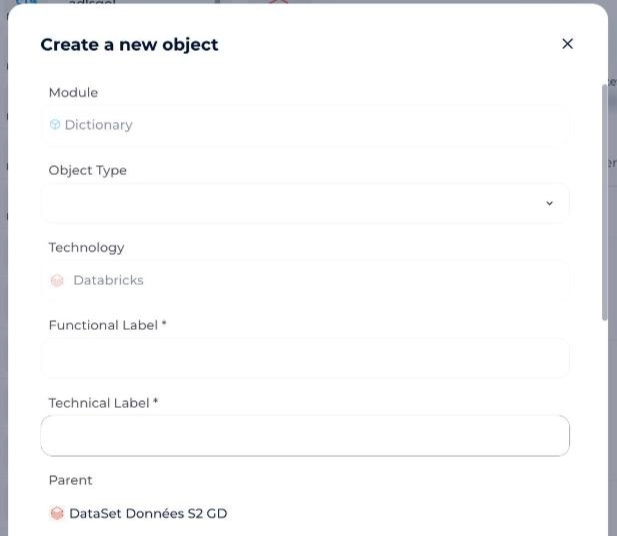
What is in the object creation modal?
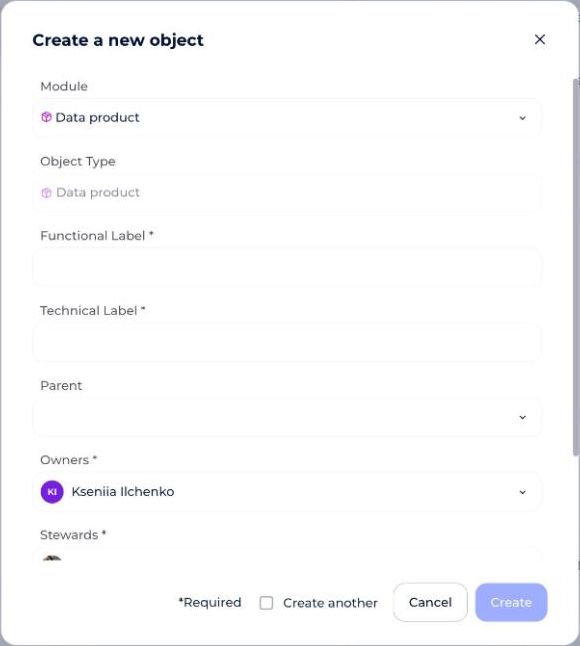
When creating an object, the following fields are required:
- The workspace (if you're creating the object from the client space).
- The module.
- The object type.
- The business label.
- The owner(s).
- The steward(s).
The following fields are also offered, but optional:
- The parent.
- The summary.
- The technology (if you're creating a "root" object in Dictionary, Processing, or Usages).
Depending on your workspace's settings, the modal can also show an Access control attributes section: choose values that match your scope of access so you can create the object.
How owner and steward defaults are pre-selected
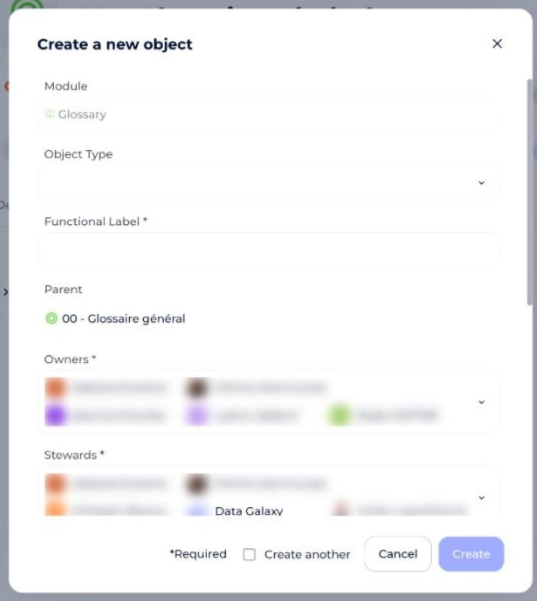
If you specify a parent for the object you're creating, by default:
- The parent object's owner is pre-selected as owner.
- Otherwise, the workspace's default owner is pre-selected.
The same logic applies to steward(s).
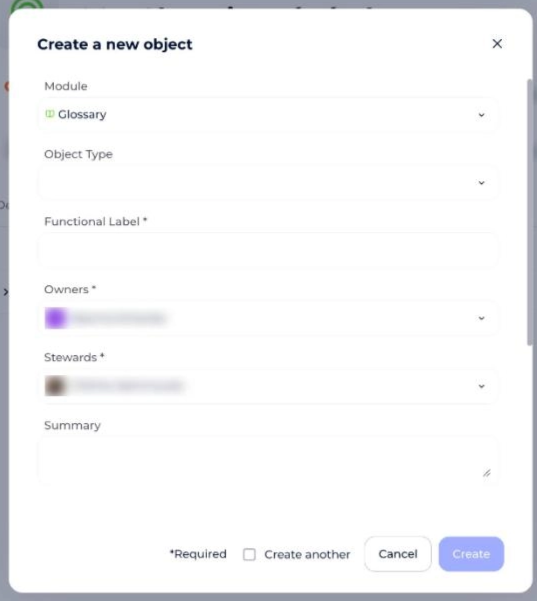
If you don't specify a parent for the object you're creating, by default:
- If you're set as an authorized owner in the chosen workspace's official roles, you'll be pre-selected.
- Otherwise, the workspace's default owner is pre-selected.
The same logic applies to steward(s).
How the technology field works
When creating a source in Dictionary, a flow in Processing, or an application in Usages, a technology field appears in the creation modal, letting you choose the technology for the object you're creating.
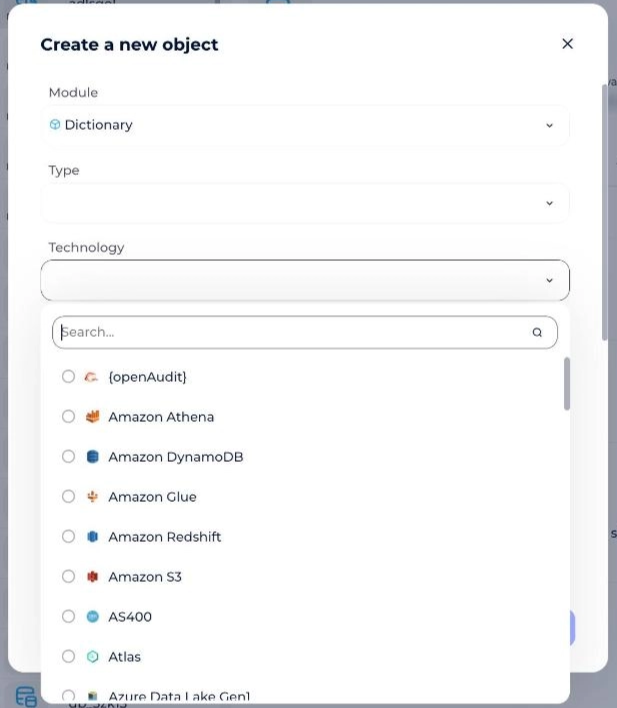
If you create a child object whose parent has a technology defined, the parent's technology is shown read-only in the child's creation modal and can't be changed — the child object is created with its parent's technology.