A workspace can be configured by any of its administrators.
For the steps to create or delete a workspace, see Manage Workspaces.
How to edit a workspace's general information
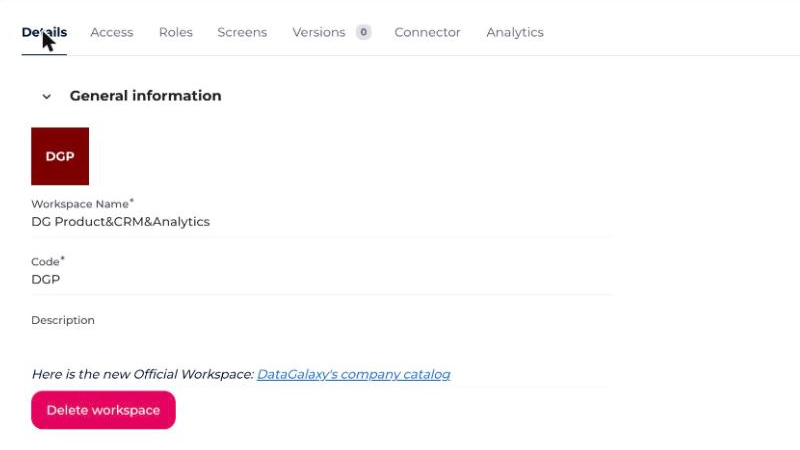
The general information in the presentation widget is editable from the workspace's settings:
- Go to the Settings section at the bottom left of your screen, in the side menu.
- Go to the Details tab.
- Edit the fields you want:
- The workspace's icon.
- The workspace's name (required).
- The workspace's code — up to 3 characters, and must be a unique identifier within the client space (required).
- The workspace's description (optional).
To customize a workspace's screens, see Customize the Workspace Screens.
To configure users' access rights to the workspace, see Manage Users' Access Rights.