Use simplified filters to find objects connected to another object without knowing the link type.
You know that the object you are looking for is linked to another object, but you don't know the type of link that connects them? Don't panic — you don't need to know the metamodel by heart. Thanks to the simplified filters, you can find all the objects linked to another one.
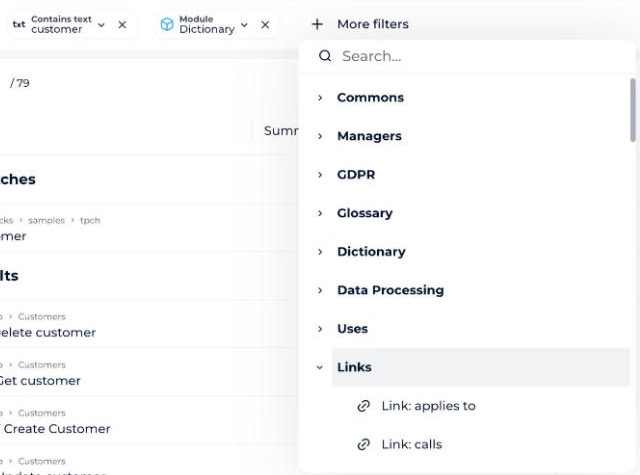
Which simplified filters exist?
There are three filters that allow you to filter on a link in a simplified way:
- In: filters on the parents of an object, whatever their level of relationship. For example, to find out which dashboards are in your application.
- Contains: filters on the children of an object, whatever their level of descent. For example, to find which application contains your dashboard.
- Linked to: filters on any link without knowing its type (except the hierarchy link). For example, to find the objects linked to your dashboard, regardless of the type.
Where are these filters available?
These filters are available from:
- The filter bar within the modules
- The filter bar within the search page