The search has a few known behaviors that explain why your results are sometimes wider or narrower than expected.
How indexing affects your results
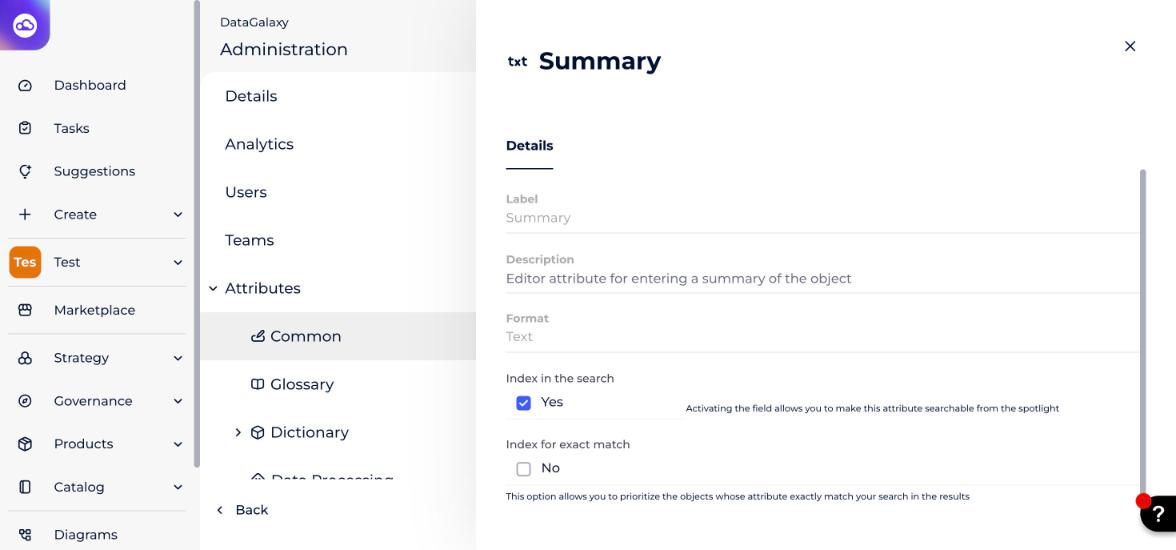
The search is index-based, so the results depend on how you have chosen to index your attributes. To choose which attributes to index, open Administration > Attributes, click an attribute, and use its Index in the search option.
How search requests are interpreted
- The search returns the objects whose titles contain the object name, not necessarily starting with it.
- If a search request consists of several words separated by a space, the search results may include matches on any one of the words. Try reformulating your search request if needed.
- Search queries with numbers: if a search query contains a sequence of numbers, the search may provide suggestions that do not correspond exactly to the request.
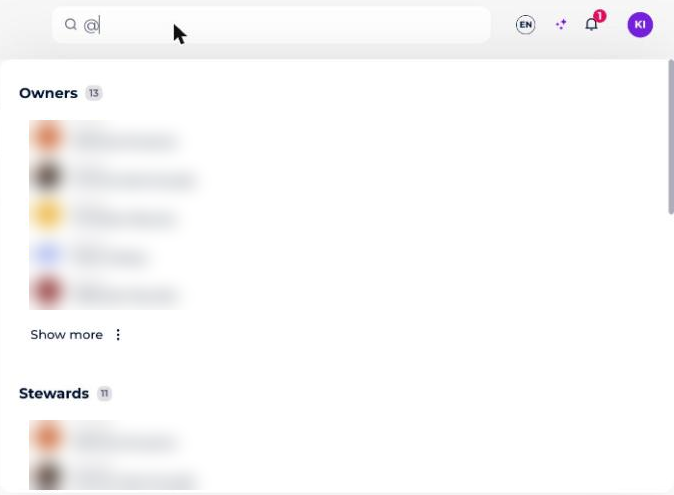
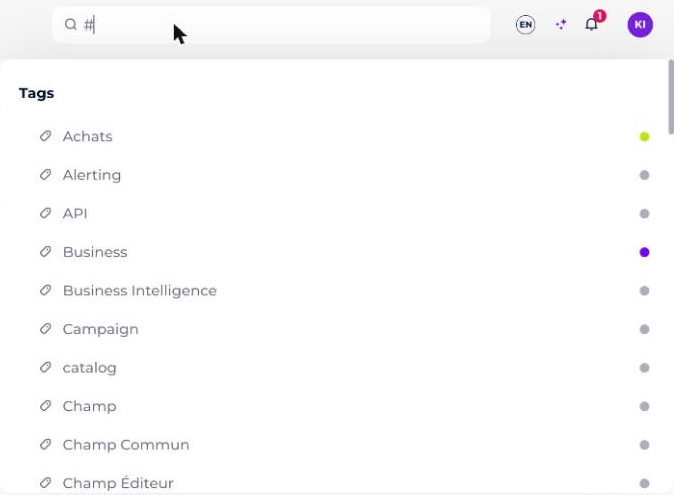
- Special symbols: using
@initiates a search by users, and using#initiates a search by tags. The search ignores other special symbols.
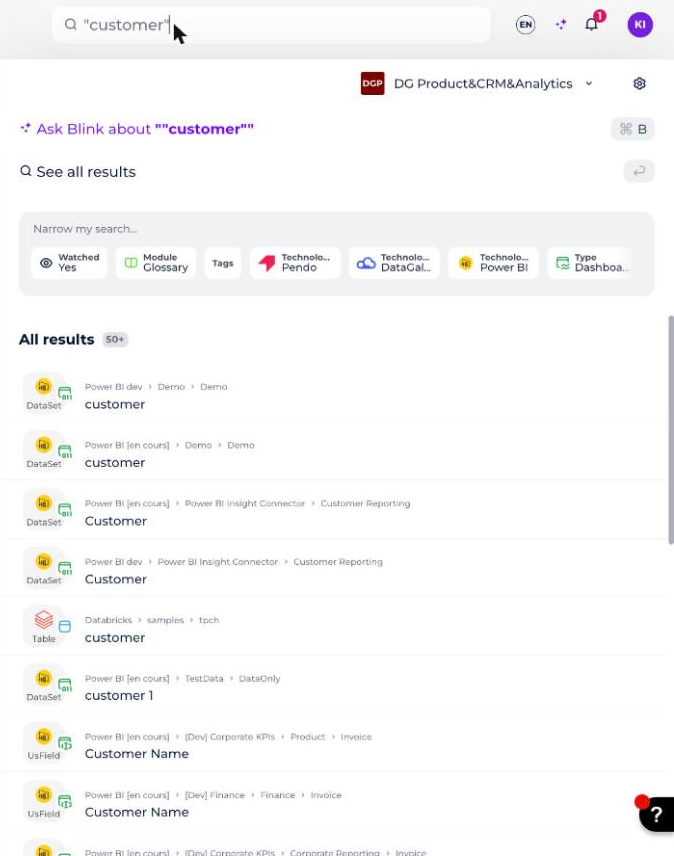
- Quotation marks: if you enclose a value in quotation marks, the filter will only display objects that exactly match that value.
A single-number match does not cause an issue in most cases.