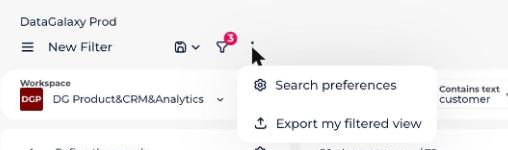
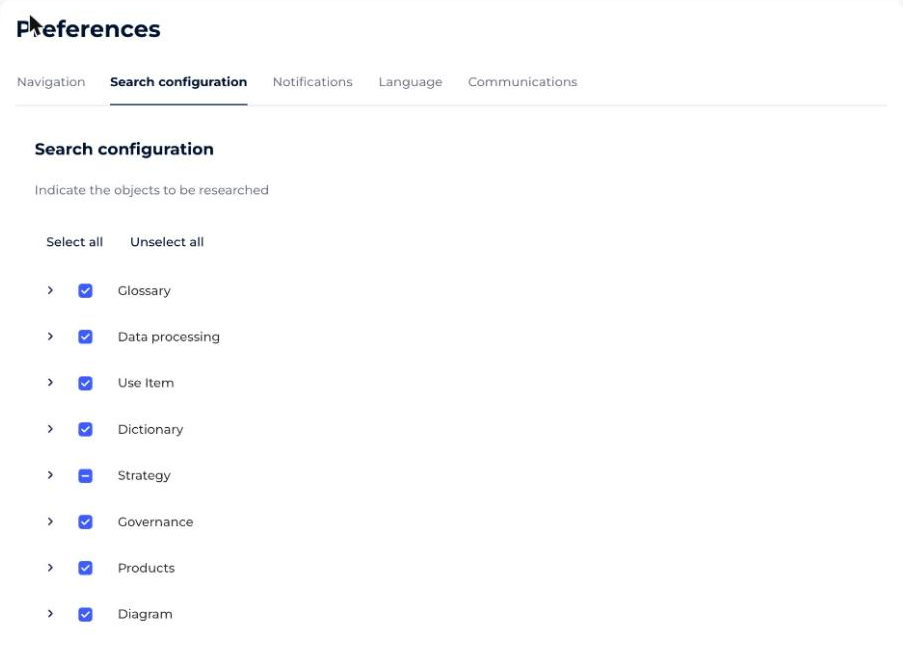
Search preferences control which object types appear in your search results and in what order. Objects are classified by type and subtype.
Check an object type to make it appear in the results, and uncheck it so that it does not. Drag and drop the sections to change the order in which your results appear.
You can reach these preferences in two ways.
How to open search preferences from your profile
- Click your icon at the top right of the screen to open your profile.
- Click your name in the drop-down menu.
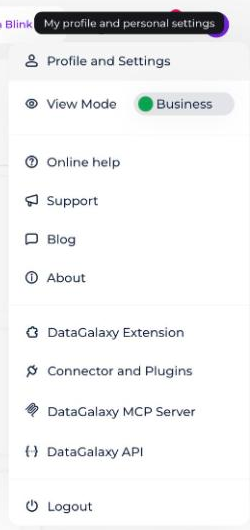
- Select the Preferences tab.
- Select the object types you want.
How to open search preferences from the search results page
- Start a search.
- On the search results table page, click the three dots in the page header.
- Click Search Preferences in the drop-down menu. You are automatically redirected to the search preferences page.