The DataGalaxy product documentation is continuously enriched. You can read it from inside the application or from the help portal.
How to open the documentation from the application
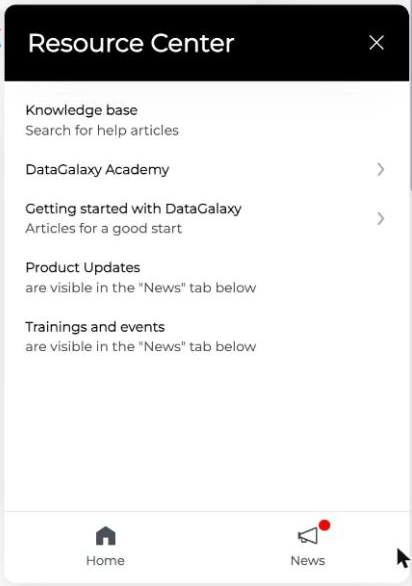
Click the ? icon in the navigation bar. The documentation opens without leaving the app.
How to open the help portal
For more reading comfort, the help portal is also available at datagalaxy.freshdesk.com. It has the full knowledge base and a search bar.
Still have questions?
Contact the Support team: you can create a ticket from the application or from the portal, or write to support@datagalaxy.freshdesk.com. For how to describe your problem and what to attach, see Ask for Support.