Your profile page holds the information other users see about you: your name, your title, your service and your role. You can change it at any time.
Your password, your personal access token and your license details sit on the neighbouring tabs of the same page.
How to open your profile page
- Click your icon at the top right of the screen.
- Click Profile and settings in the drop-down menu.
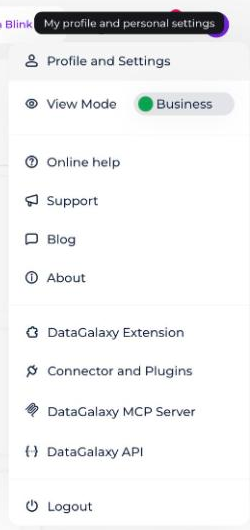
- Select the Profile tab.
What you can fill in
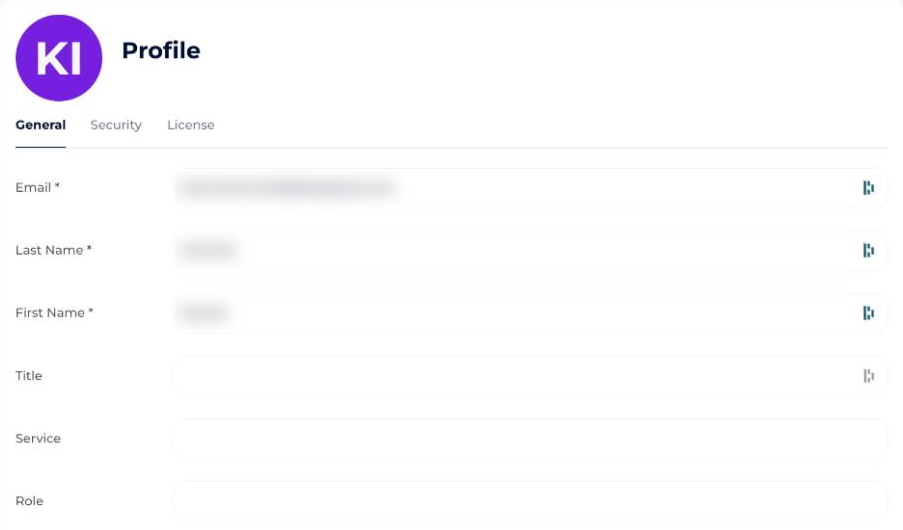
On this page you can fill in the following information:
- Your email
- Your first name
- Your name
- Your title
- Your service
- Your role
To update your profile picture, see Add a Profile Picture.
How to update your password or access token
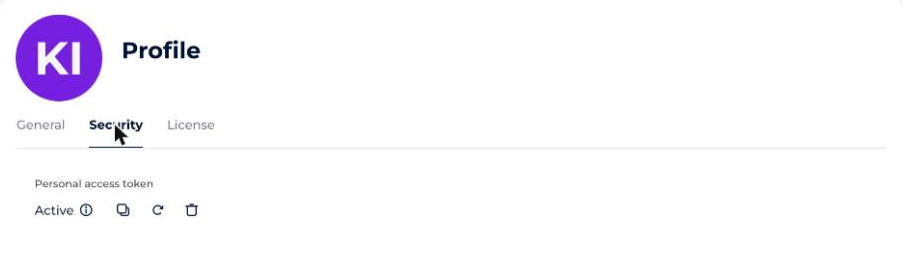
To update your password, or to access your personal access token (PAT), go to the Security tab.
Where to find your license details
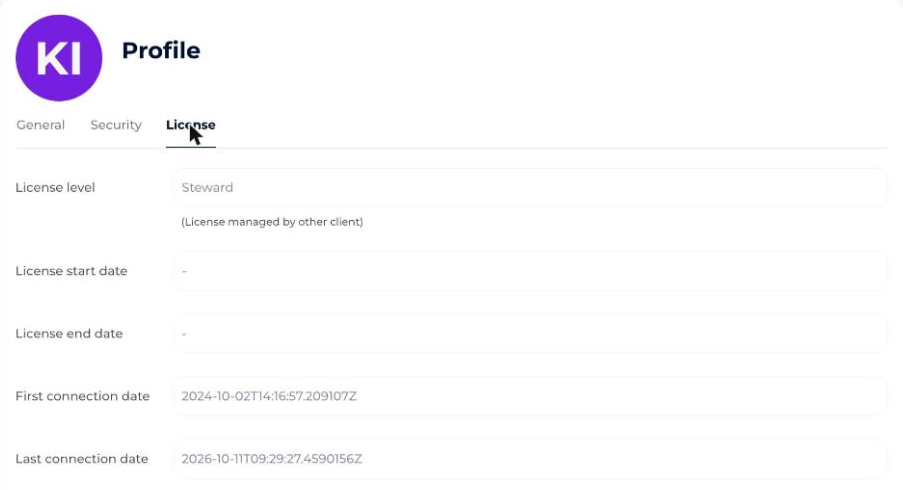
From the License tab you can also consult:
- Your license level
- Your license start date
- Your license end date
- Your first connection date
- Your last connection date