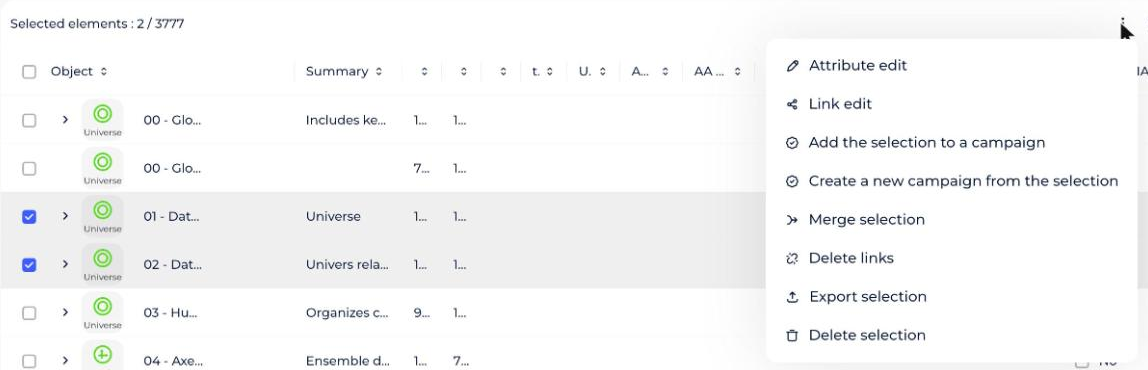
You can merge objects from the glossary. The target object inherits the selected elements.
The source objects are deleted by the merge.
How to merge objects
- Open the Glossary module.
- Click the object you want to merge (the source object).
- Open the More options menu (⋮) at the top right of the object and choose Merge.
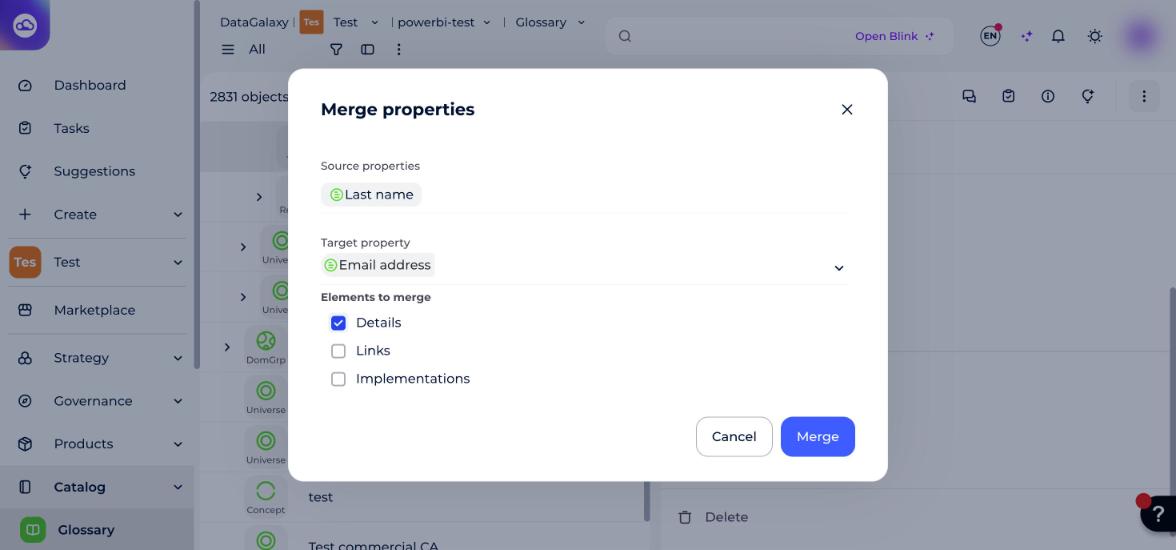
- In the pop-up window, search for the target object.
- Select the elements you want to merge (at least one).
- Click the Merge button to confirm your action.
To merge several objects into a single one, open the list view, select the objects, and then start the merge.