Use search history to reopen recent objects and searches.
What kind of history is available?
There are two types of history:
- Recently viewed objects: the last 4 objects you have consulted (object card or object preview).
- Recent searches: the last 4 searches you have done from the search bar (spotlight).
How to use the history
From the home page
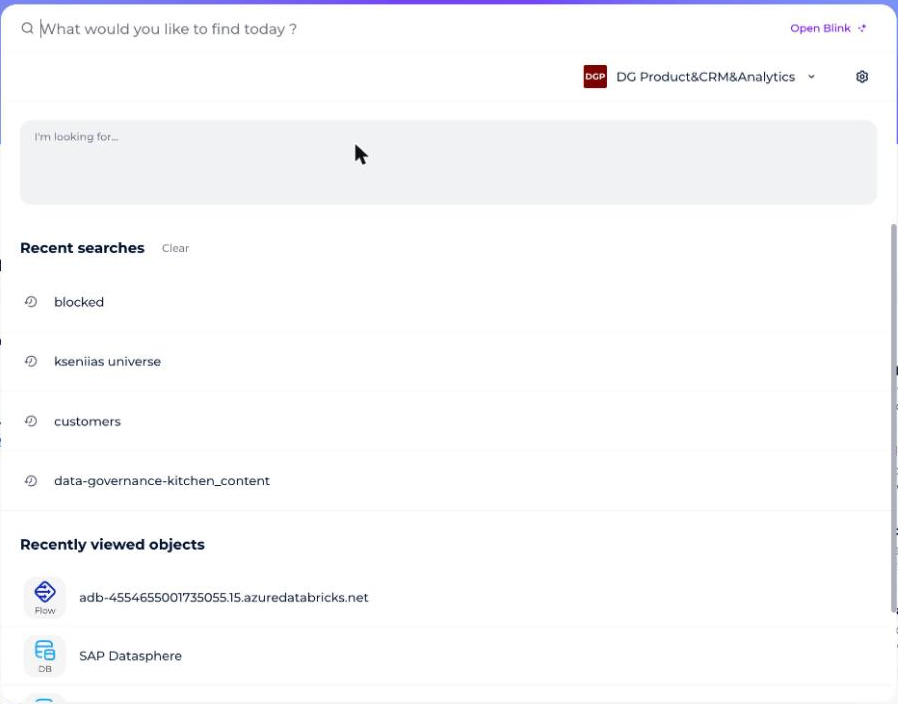
The home page is accessible by clicking on the cloud in the side navigation bar.
By clicking on the search bar, a window opens to help you launch your search by offering you:
- Quick filters
- The last 4 searches you have done
- The last 4 objects you have consulted
From the spotlight
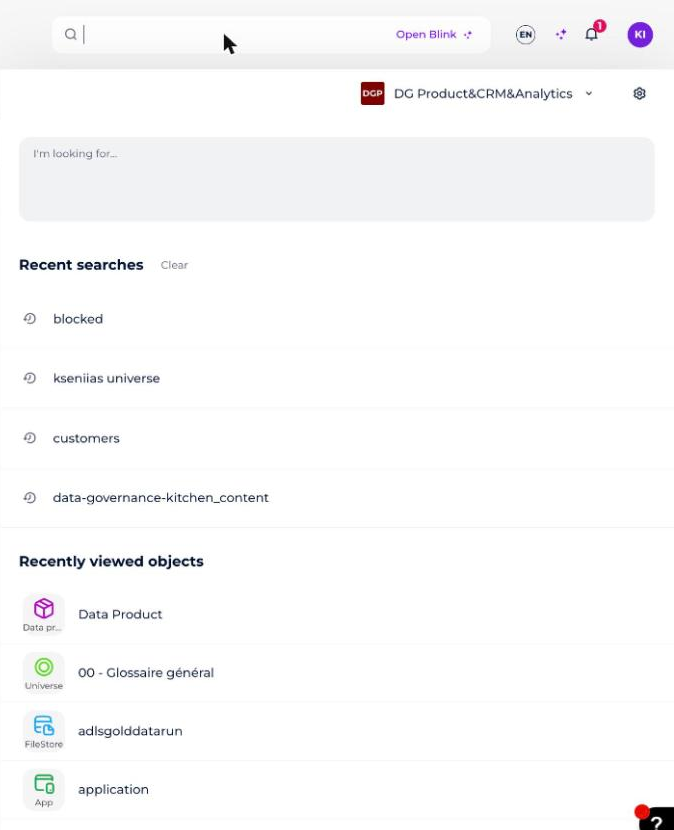
Exactly the same way as on the home page, when you click in the spotlight, available from any page of the platform (or the home page), a window opens to help you launch your search by offering you:
- Quick filters
- The last 4 searches you have done
- The last 4 items you have viewed