Self-service analytics lets business users explore data and get insights independently, without relying heavily on IT or data engineering teams.
At DataGalaxy, we give users the ability to run self-service analytics, providing transparent access to platform usage data and making informed decision-making easier.
What self-service analytics gives you
We provide access to data on catalog usage and best practices for analyzing it. This feature is designed to help Client-space and Workspace administrators monitor platform usage, track key indicators, and effectively evaluate data governance initiatives.
We use token-based access for integration with Delta Sharing, ensuring secure, simplified access to analytics data via tokens, available to Client-space and Workspace administrators.
How to access your data
- Go to the Settings menu for Workspace administrators, or the Account/Administration menu for Client-space administrators.
- Generate the token by clicking the Configure connection button.
- Copy your token into your tool, or into a separate file (depending on the connection type needed).
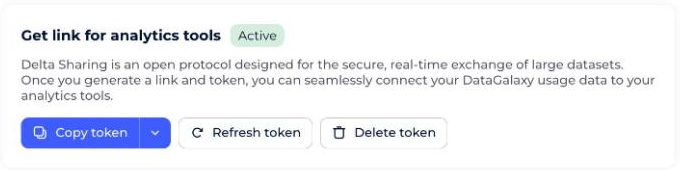
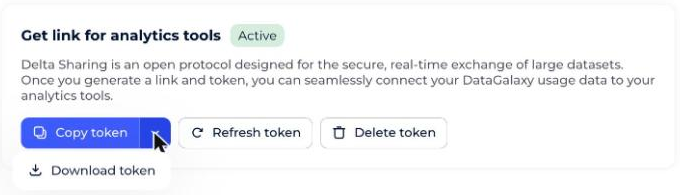
If you suspect your token has been compromised:
- Regenerate it using the Refresh button.
- Delete it using the Delete button.
How to use the access token
Your access token contains the following information:
| Field | Description |
|---|---|
shareCredentialsVersion (Integer) | Specifies the Delta Sharing protocol version. Currently must be 1. |
endpoint (String) | The URL to access your data. |
bearerToken (String) | The token used to authenticate requests. Issued by the data provider — keep it private and secure. |
expiresOn (Timestamp) | We currently don't plan a short-term expiration date. This could change in the future for security reasons. |
Example access token:
{"shareCredentialsVersion": 1,
"bearerToken": "nlpw4j4k3LWXfs1fmNBwwaGv435No409k93xAQeW4LuM5xUiD-rOPq3kK6Djki45",
"endpoint": "https://francecentral.azuredatabricks.net/api/2.0/delta-sharing/metastores/38j78340-f90k-423l-d409-15a989f99ee33",
"expiresOn": "9999-12-31T23:59:59.999Z" }bearerToken and endpoint will be enough.To set up your data connection, you'll need to provide this information to your preferred analytics tool. After that, updates happen automatically.
See the following examples:
What data is available?
We're continually working to provide more and more data, so users can build the metrics they need for informed decision-making.
See Data Available on Platform Usage for the current list.
How to analyze the data
If you already have an analytics system set up, you can connect your data and calculate/visualize the key performance indicators you need.
If you need to set up your analytics system first, we recommend following data-catalog user best practices.
We provide templates for the most common Business Intelligence tools.
What is the open Delta Sharing protocol?
For secure data access, we use Delta Sharing, an open protocol for secure, real-time exchange of large datasets, which lets organizations share data in real time regardless of the IT platforms they use.