DataGalaxy provides administration functions at the client-space and workspace levels.
Access client-space administration
- Confirm that you have client-space administrator rights.
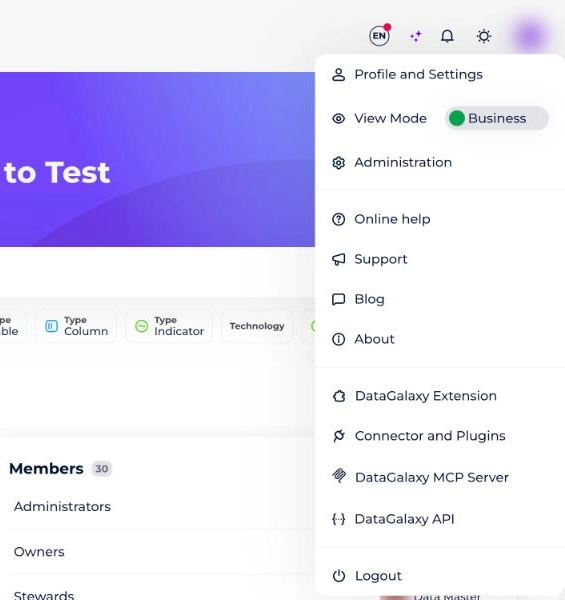
- Open the Administration option from the profile menu.
- Grant administrator rights to a user through Manage Users at the Client-Space Level.
Access workspace administration
- Open the workspace for which you have the administrator role.
- Click the gear icon at the bottom left of the side navigation bar.
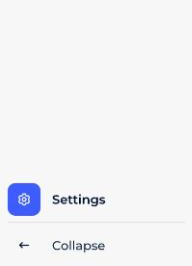
- Open the settings area to access the following capabilities.

- General information.
- Access management.
- Official roles administration.
- Screen settings.
- Versioning management.