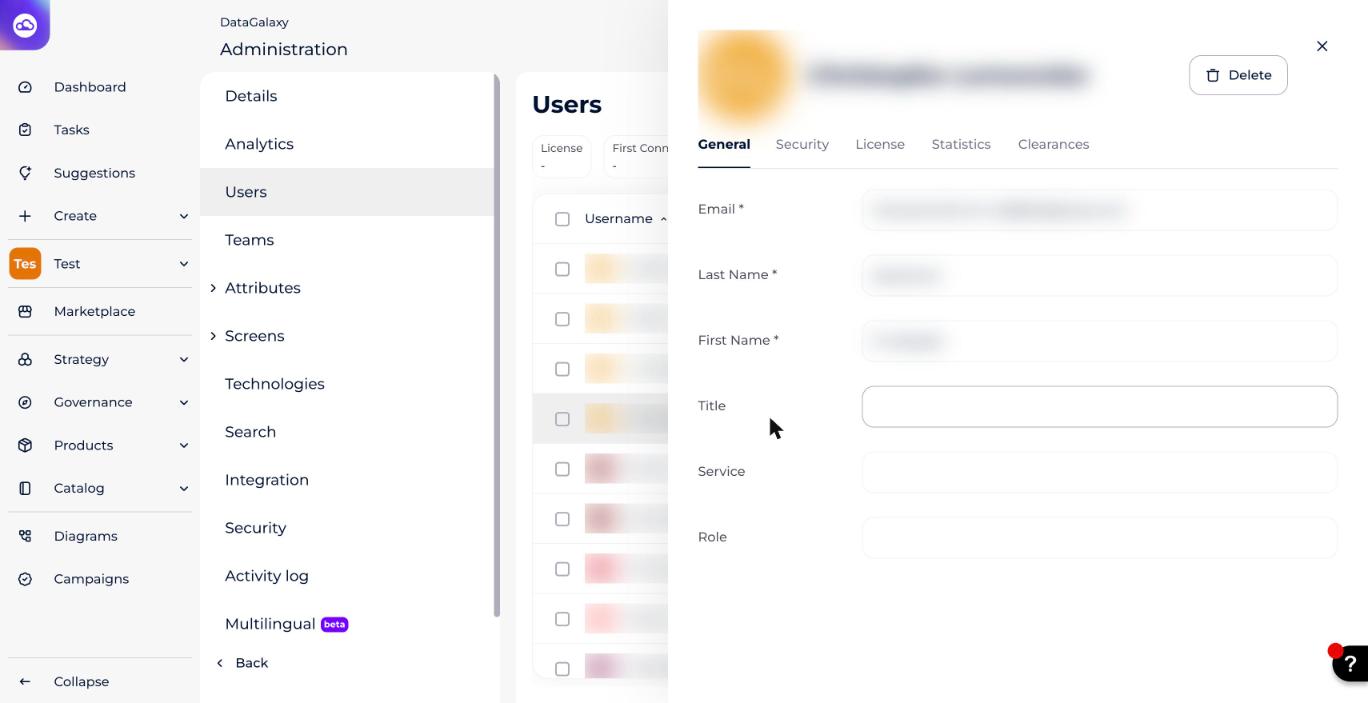
As a client-space administrator, you can edit another user's details from the administration area.
What can you change?
- First name
- Last name
- Title
- Department
- Role
- License
- Avatar
For more on the license levels DataGalaxy offers, see Overview of License Management.
How to edit a user's information
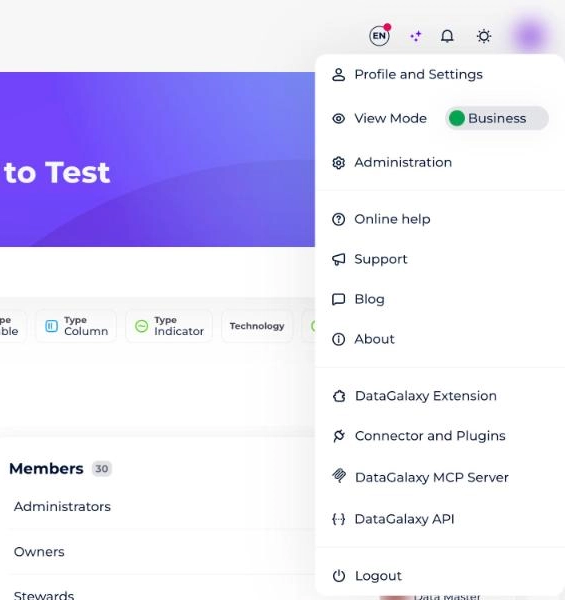
- Click your avatar in the top right.
- Select Administration from the menu.
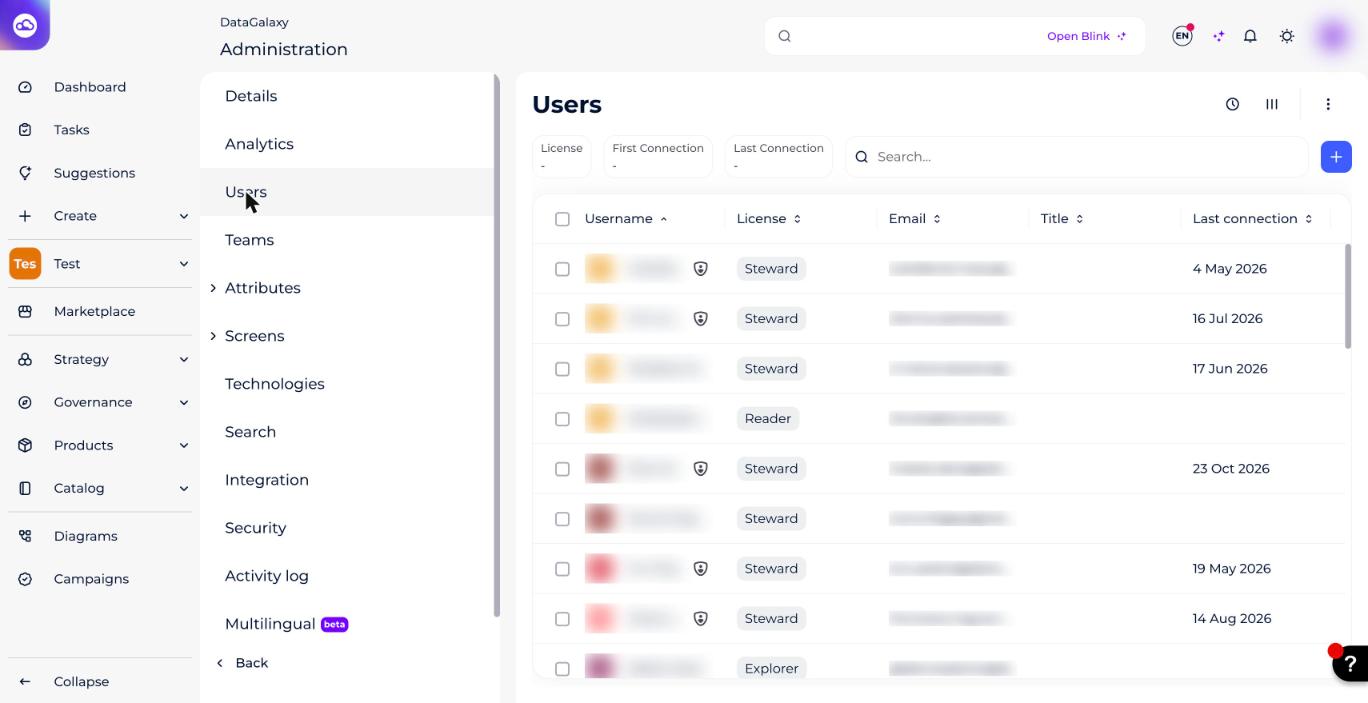
- Click the Users tab.
- Click the user you want in the list that appears. The user's preview opens on the right.
- Edit the name, title, department, role and email in the General tab, and the license in the License tab.